Free AI tools can cover video editing, design, scripts and captions for a creator who is just starting out in Nigeria or elsewhere in Africa. The catch is that free plans often add watermarks, export limits or a fixed allowance of AI uses. Descript’s free plan gives 60 minutes of media a month, with a watermark and 720p exports. Canva and Adobe Express both have free AI features, and Captions has a free tier without AI credits. These details were checked on official pages on 23 October 2026, and CMA9ja will update them as plans change.
Creators often switch tools every week in search of the perfect free option. It works better to pick one stack, learn it for a month and post on schedule.
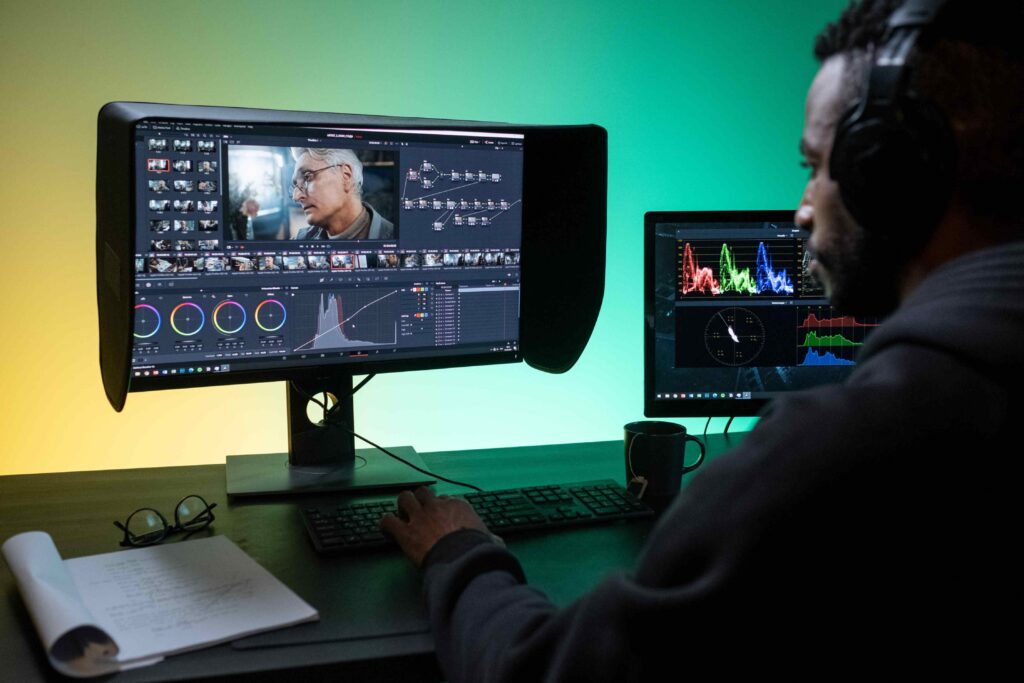
Edit video with Descript
Descript’s free plan includes 60 minutes of media each month and 100 one time AI credits. Exports carry a watermark and are capped at 720p, so it suits drafts, practice and short tests. You edit by working on the transcript, which makes cutting filler words quick.
Design thumbnails and posts with Canva and Adobe Express
Canva’s free plan includes up to 20 AI uses from a shared allowance and exports PDF, JPG and PNG files. Adobe Express offers daily free generations and a limited number of lifetime uses for presentations and videos. Its generated outputs can be used commercially, except for beta features that are marked non commercial.
Draft scripts and captions with Gemini or ChatGPT
The free chat plans of Gemini and ChatGPT can draft a 60 second script, five caption options or a list of video hooks. Gemini’s free plan also includes image generation and Deep Research, with compute based limits instead of a fixed message count. Rewrite every line in your own voice, because audiences notice generic writing quickly.
Check the watermarks and commercial use
Read the terms before you use a free output in paid work or a sponsored post. Captions’ free tier has no AI credits and only one caption template. We could not confirm CapCut’s free plan terms for this guide, so check them inside the app before you rely on it.
A simple free stack to start
- Descript for editing a draft.
- Canva for thumbnails and posts.
- Gemini or ChatGPT for scripts and captions.
- Your phone’s camera and a free editing app for filming.
Free tools get you started, but consistency and your own voice are what keep an audience coming back.
Pick one stack, post on a fixed schedule for a month and only then decide whether a paid plan is worth it. For more guides on tools and online income, visit CMA9ja.






Join the discussion 0
No comments yet. Be the first to share your thoughts.